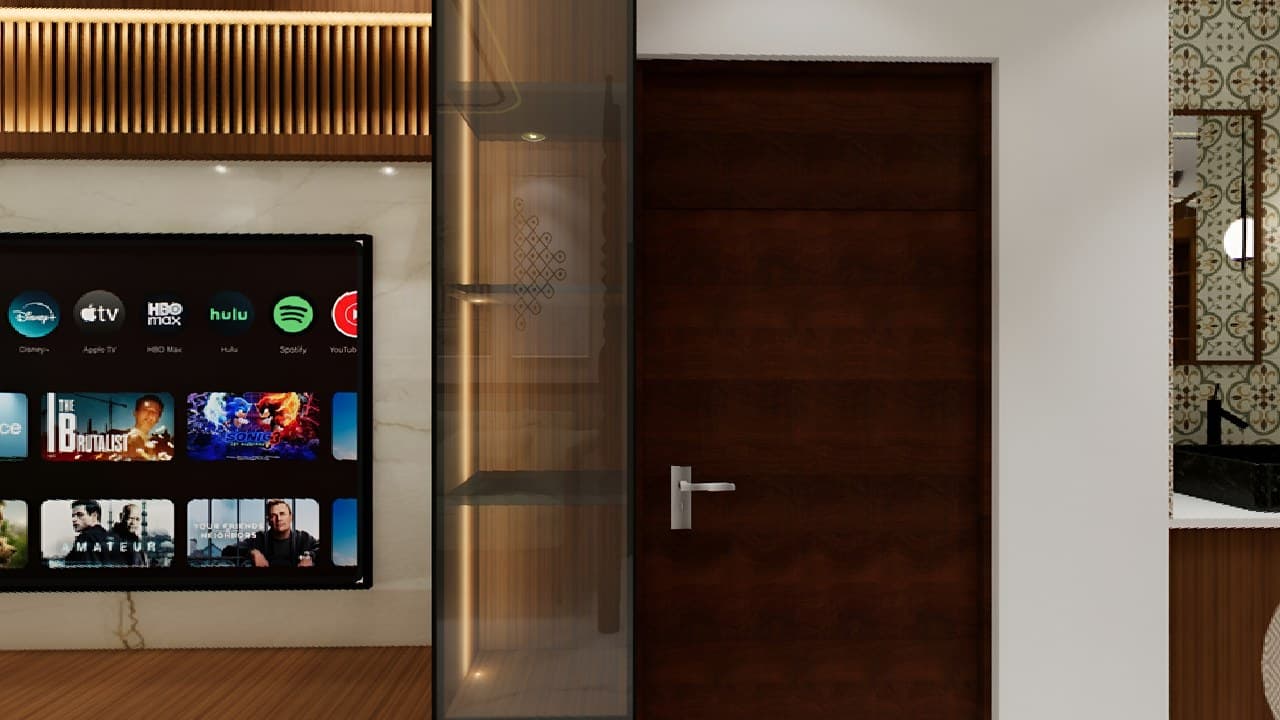
360° villa demo · 4 connected spaces
Show more than photos. Let guests step inside.
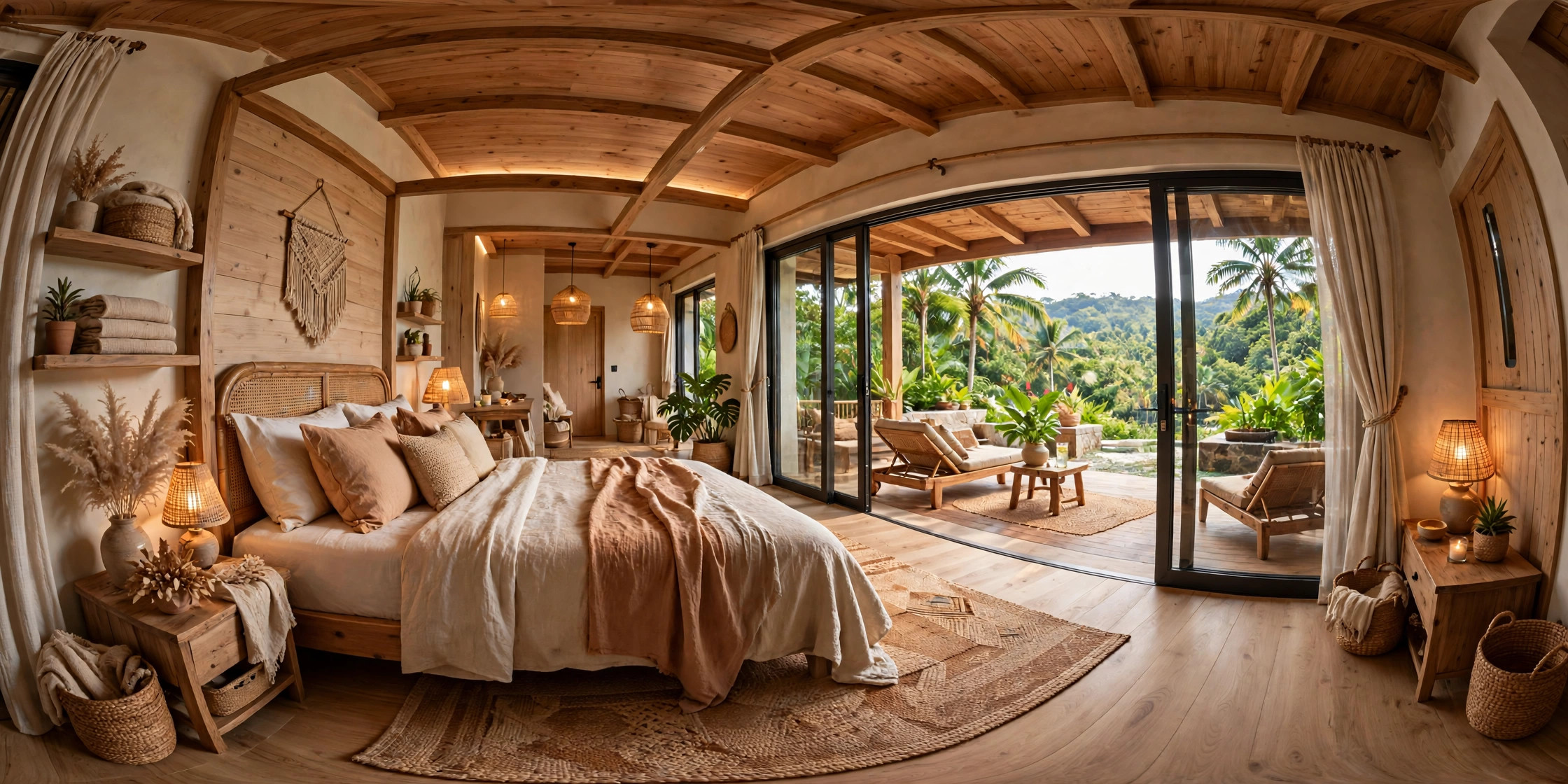
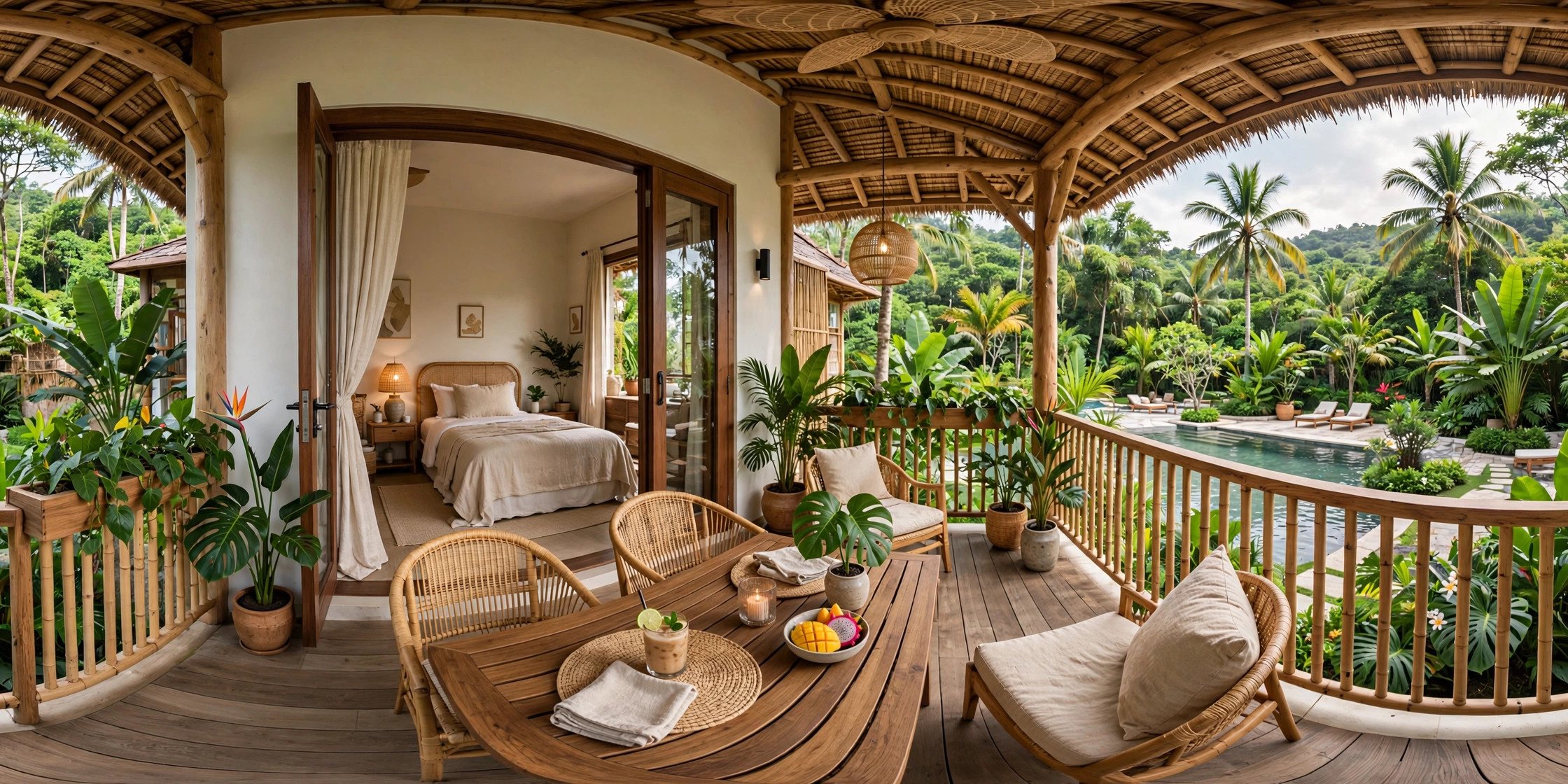
We turn your existing 360° photos into a journey through the lobby, bedroom, balcony and pool, with a clear next step to enquire.
✓Connected scenes✓Contextual hotspots✓Website embedding
Illustrative demo
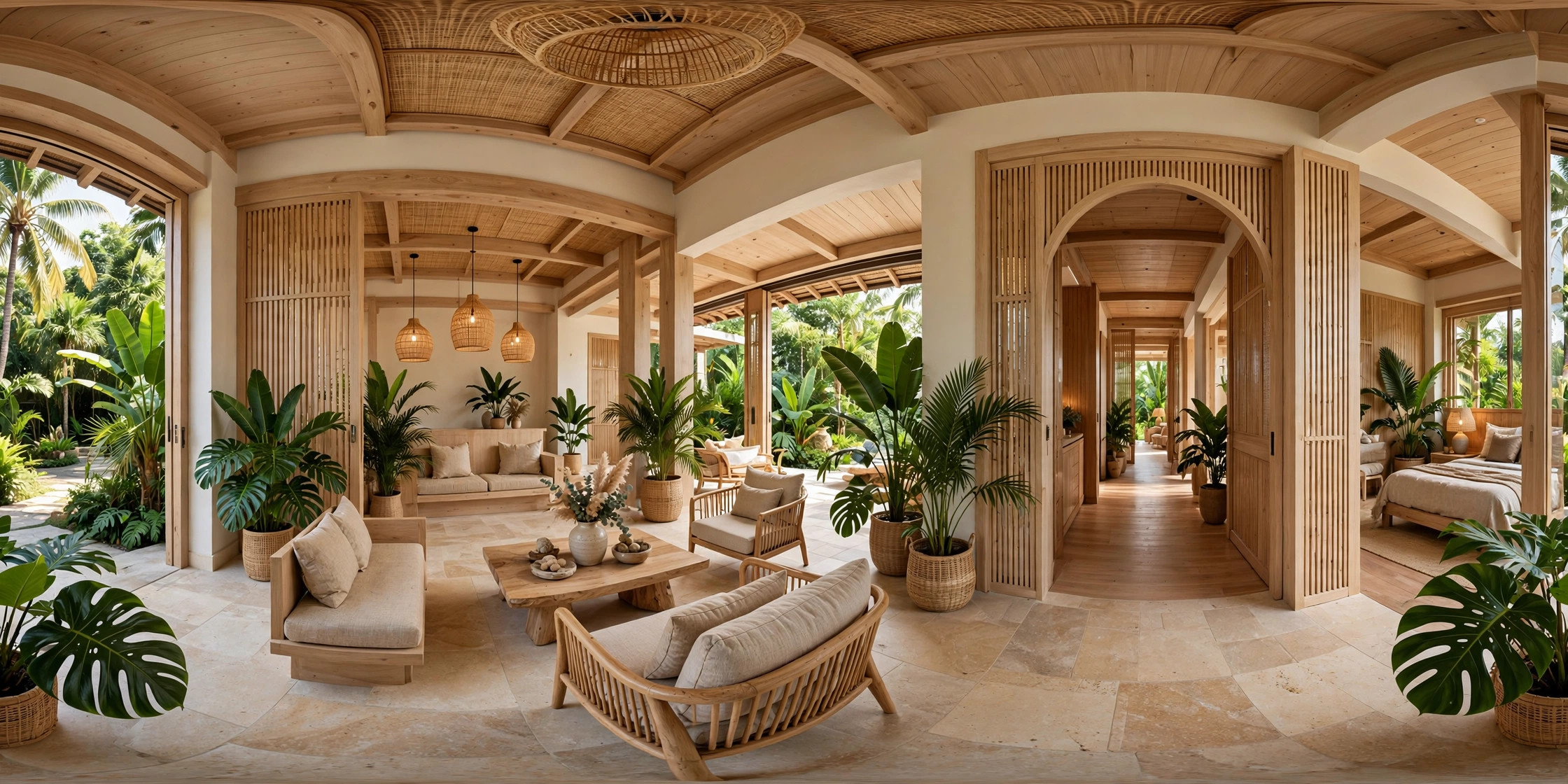
Villa lobby · Drag to explore
Start with a 360° point of view
Auto-rotation stops when you interact.
Explore four spaces in one connected tour.
Move from the lobby to the bedroom, balcony and pool. Find information where it matters and continue to an enquiry.
This demo uses illustrative images, not client project photos. Panorama quality must be checked before handover.
Example delivery scope
Your final scope follows a review of your photos.
4 distinct scenesLobby, bedroom, balcony and pool
Scene navigationLabelled hotspots and short transitions
Information in placeConcise details for each space
Tour link & embedAn enquiry step in the final scene
Explore demos by space type
7 main demos, organized by function and setting. Some collections feature several locations; open a tour to choose a context group.
Homes & stays
2 demos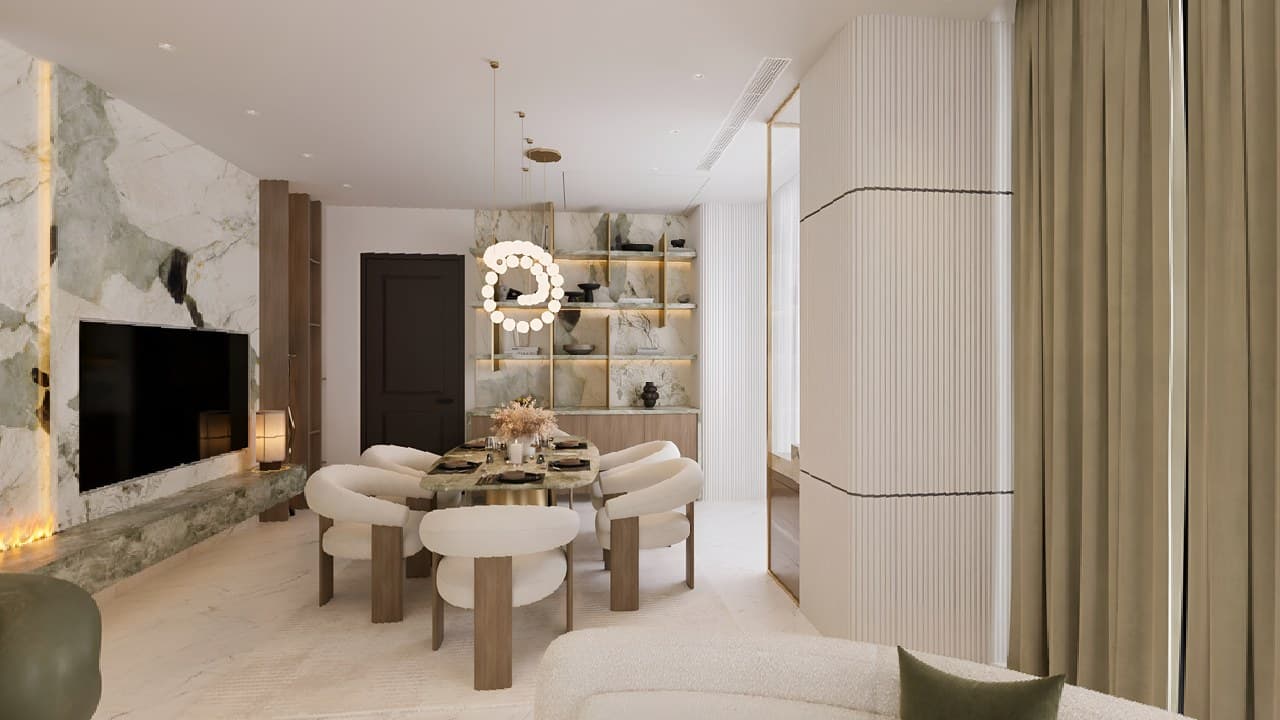
Commercial spaces
3 demos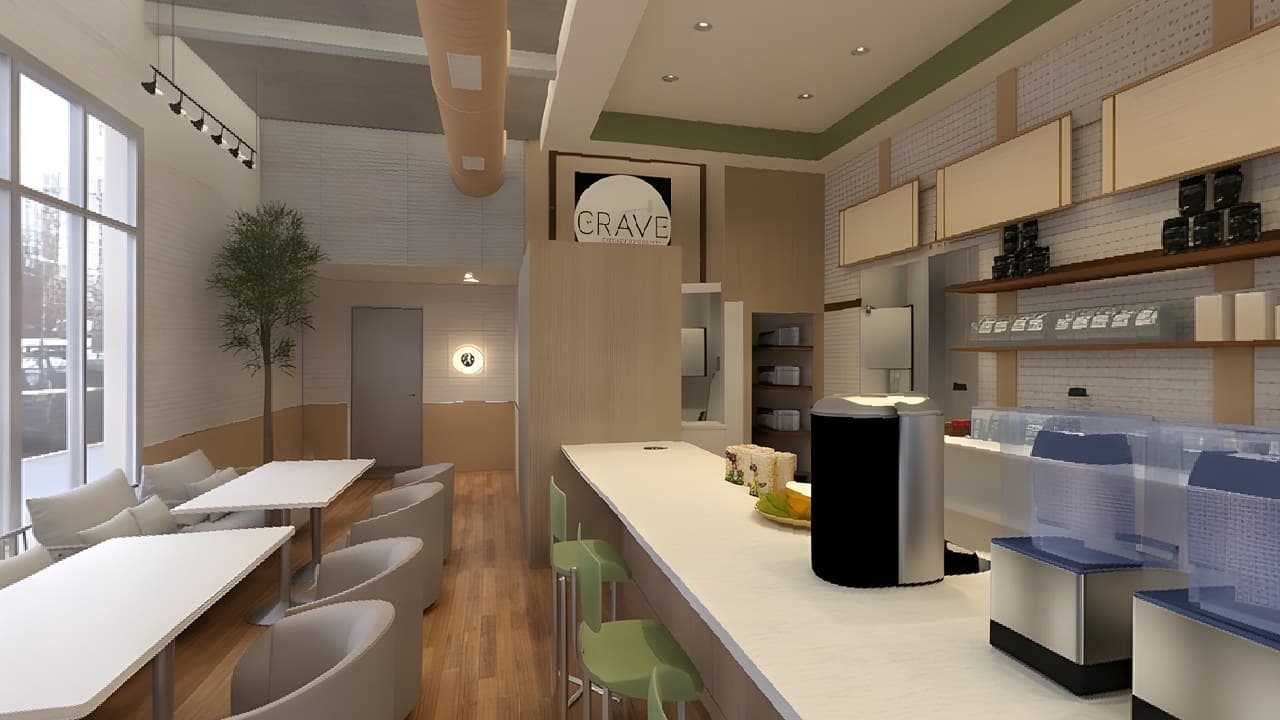
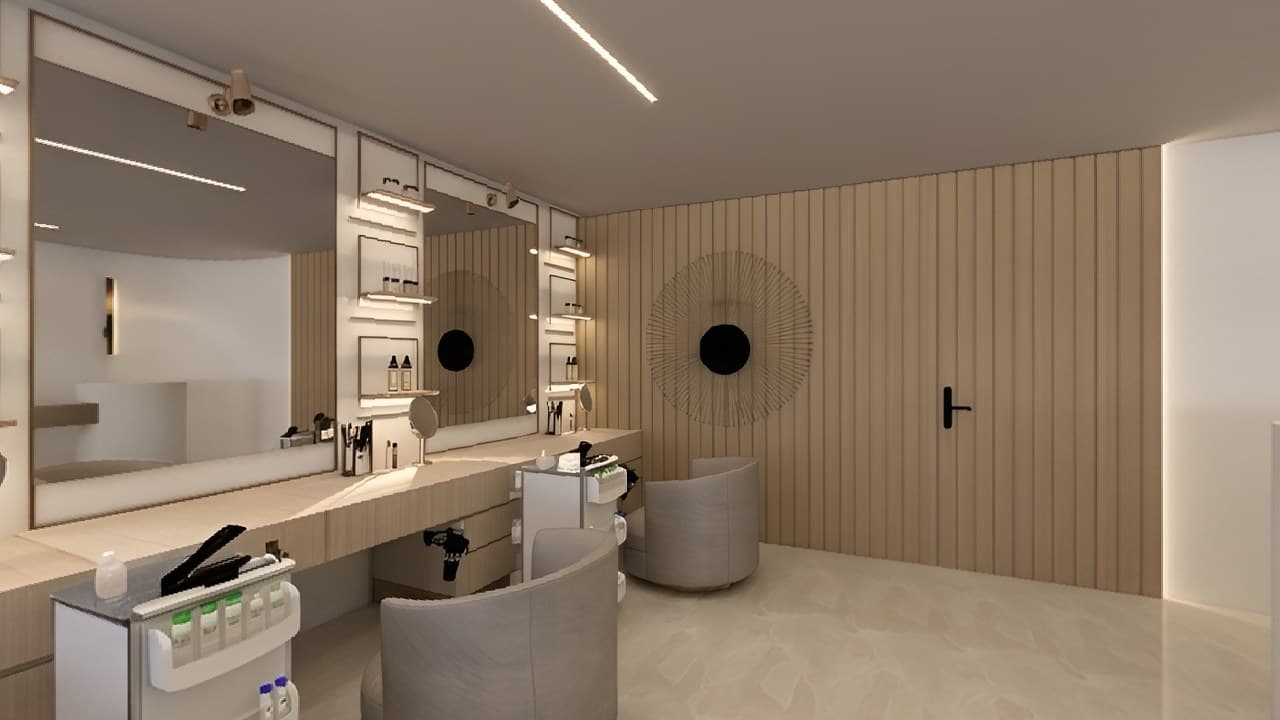
Lobbies & amenities
1 demo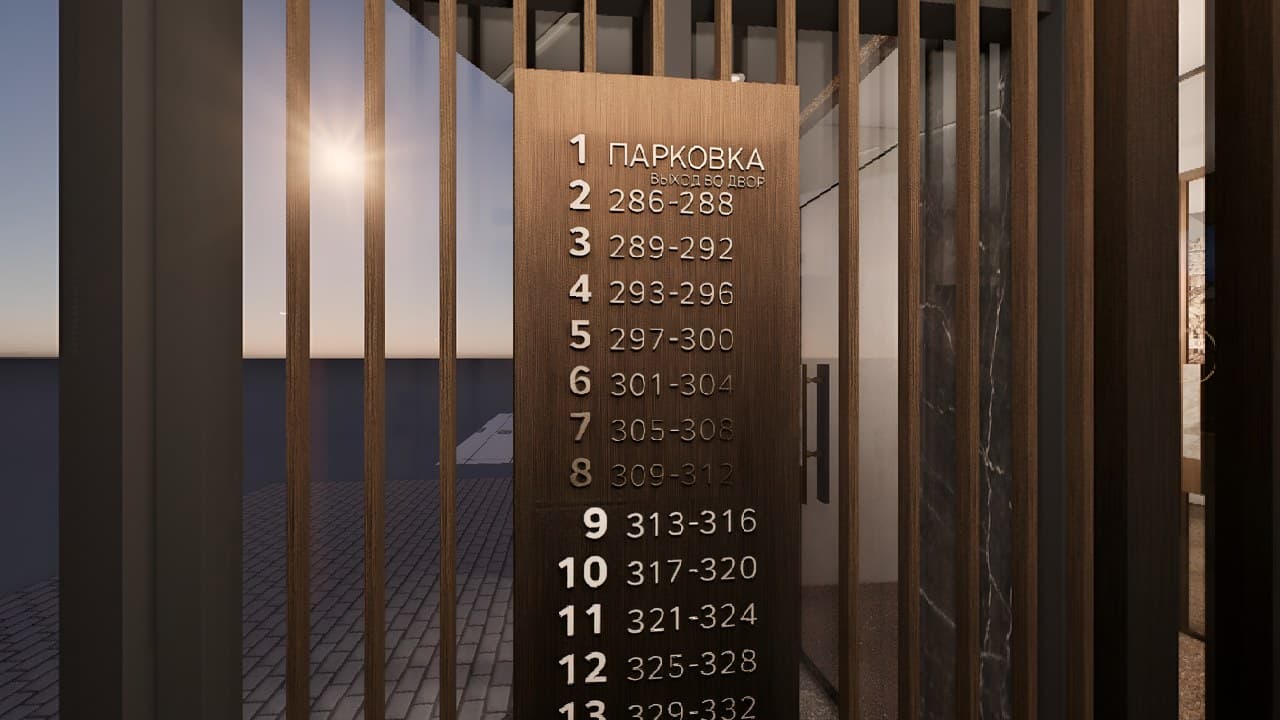
Illustrative demo
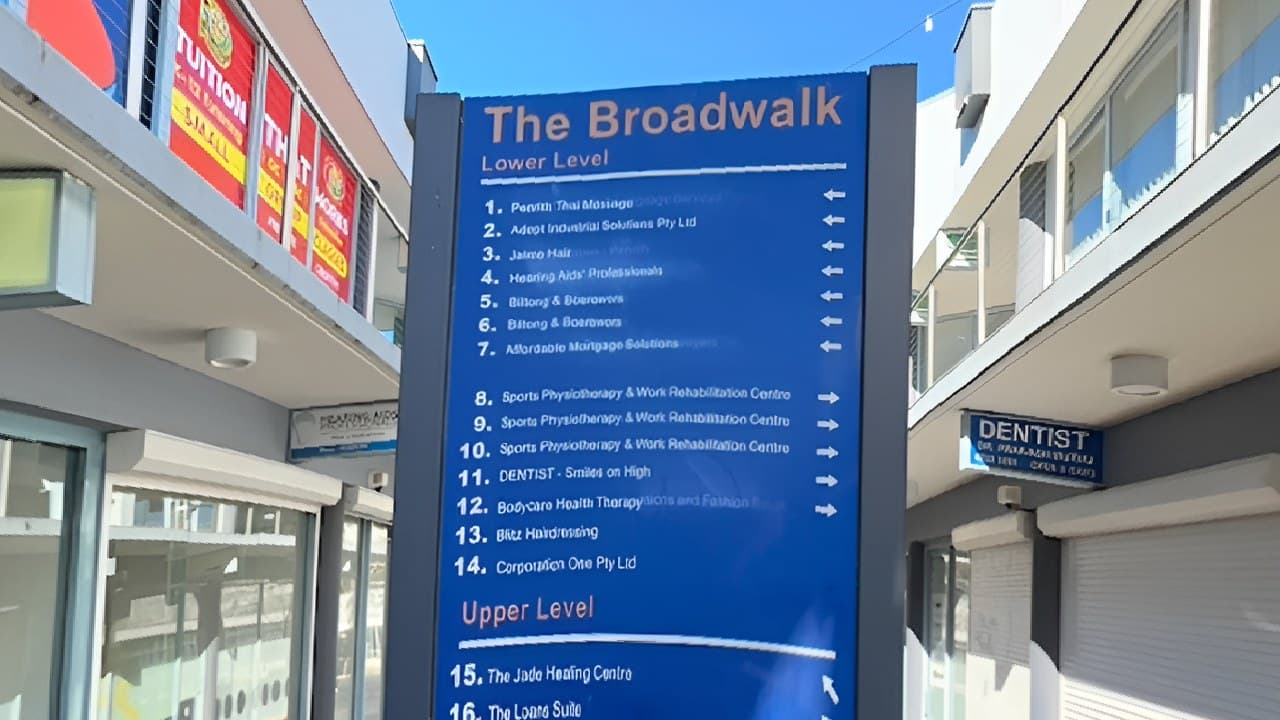
Building lobbies & amenities
5 scenes · Main lobby · Second-floor lobbies & corridor · Access amenities
Museums & exhibitions
1 demo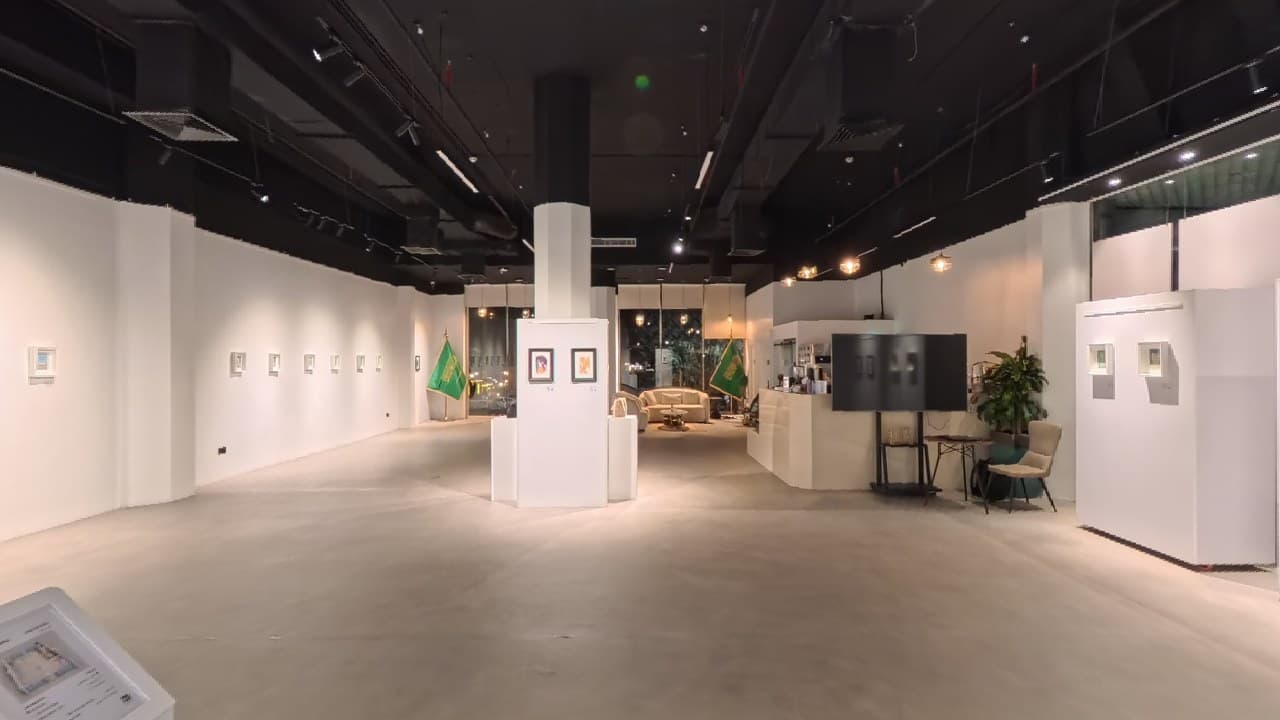
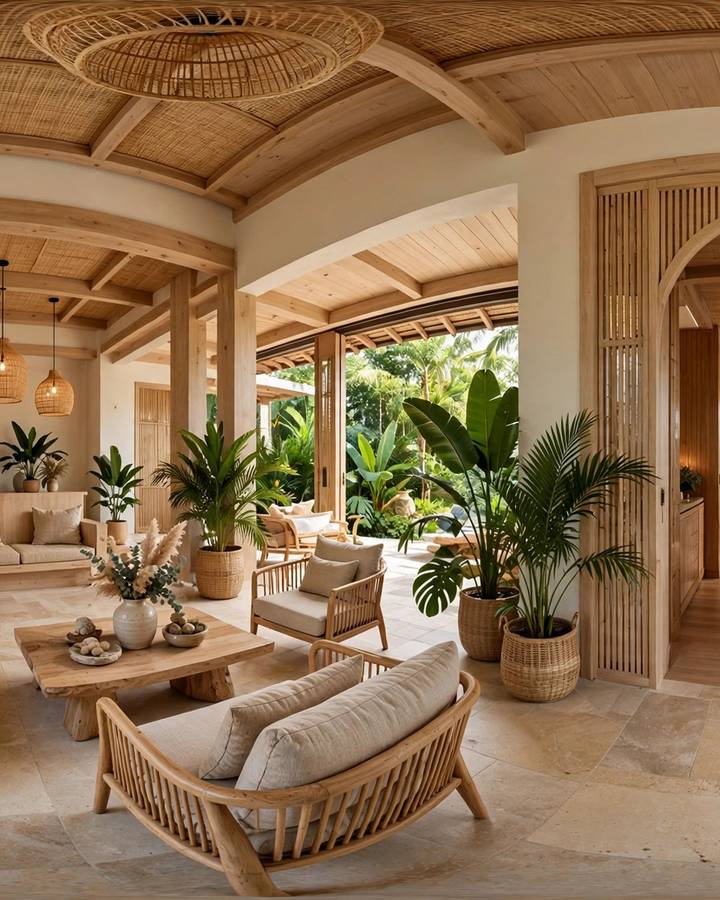
One photo. A whole space.
A view becomes a place to explore.
Move the slider, then drag the 360° side. See what changes when visitors control their point of view.
Illustrative views of the same lobby. This compares how you explore, not image quality.
Different spaces. Different decisions.
Help visitors understand the layout before you talk, so the conversation can focus on their actual needs.
 HOSPITALITY
Let guests explore rooms and amenities
Show how the bedroom, balcony and shared spaces connect before guests enquire.
 REAL ESTATE
Help buyers decide before a viewing
Let people explore key areas and see whether the property fits their needs.
 SHOWROOMS · F&B
Make the space familiar before a visit
Add product details, seating information and relevant enquiries at the right location.
Your deliverables
Know what you will receive.
The final scope follows your photos and requirements. Hosting and update costs are discussed before work begins.
Open the tour on mobile and desktop within the agreed hosting period.
Add the tour to your website where the platform supports it.
Navigation, information and calls to action following the approved journey.
Clear access rights, backups, hosting periods and update costs.
From source to experience
From original photos to a tour in four steps.
Each step has a clear input and outcome. Additional integrations follow your requirements.
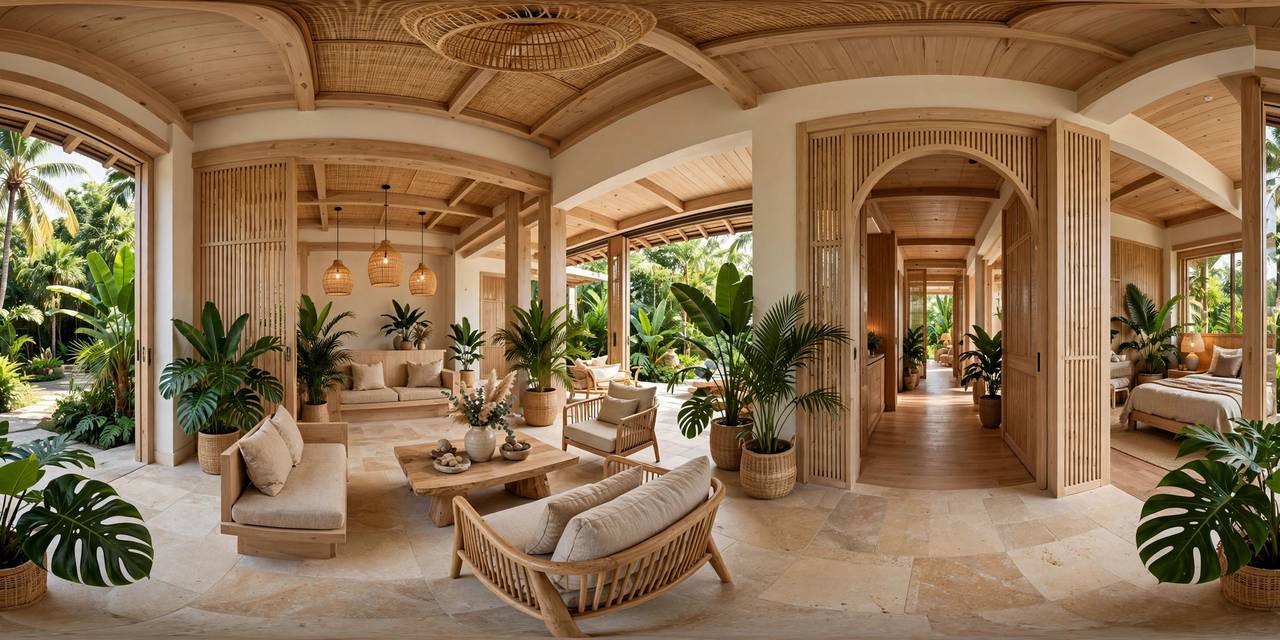
lobby.jpg 2240 × 1120 · 2:101 / 04Process illustration
Review the photos
Check resolution, connections, the order of spaces and any missing scenes.
lobby.jpg 2240 × 1120 · 2:101 / 04Process illustration
Plan the journey
Agree on the main scenes, hotspots, information and the visitor’s next step.
LobbyBedroomBalconyPoolIllustrative scene route
02 / 04Process illustration
Build & review
Create the tour, share a preview and refine it within the agreed review rounds.
 From the lobby to the pool
03 / 04Process illustration
Hand over the project
Deliver the link, embed code, access or documentation within the agreed scope.
360 Studio360°
360°04 / 04Process illustration
Frequently asked questions
Clear before we begin.
What to know about your photos, scope and handover.
What if I don’t have 360° photos yet?
We can explain the required photos so you can work with a suitable photographer. This service focuses on building tours from existing photos; photography is not included.
How is a tour priced?
Pricing depends on the number of photos, navigation, content, interface and integrations. A quote follows a review of your scope.
Does the tour work on mobile?
Yes. Navigation and hotspots support mobile and desktop. Website embedding depends on the agreed deliverables.
Can the tour be updated after handover?
Updates depend on your access and delivery package. Platform fees, hosting periods and update costs are agreed before work begins.
Discuss your project
Start with four simple details.
Tell us about your project and the photos you have. We’ll contact you to discuss a suitable scope.